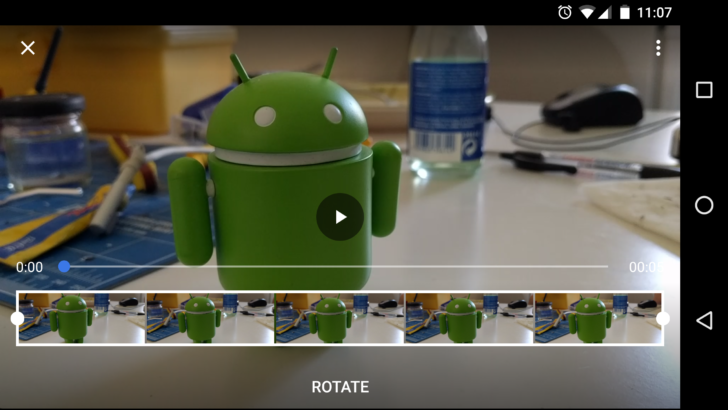
As of version 1.25 (we can’t find it on any version earlier than that, although it may exist) the ability to rotate a video at 90° intervals is a feature in Google Photos. To do this, select a video and choose to edit it. You will see the word ‘ROTATE’ below the trimming slider. There is one caveat though: because the edit features are only accessible on a video in your camera folder, you can’t edit or therefore rotate an uploaded or downloaded video. So make sure you edit the recorded footage before you upload and delete the device copy.
Copy of: http://www.androidpolice.com/2016/08/15/rotating-video-google-photos-returns-long-hiatus/